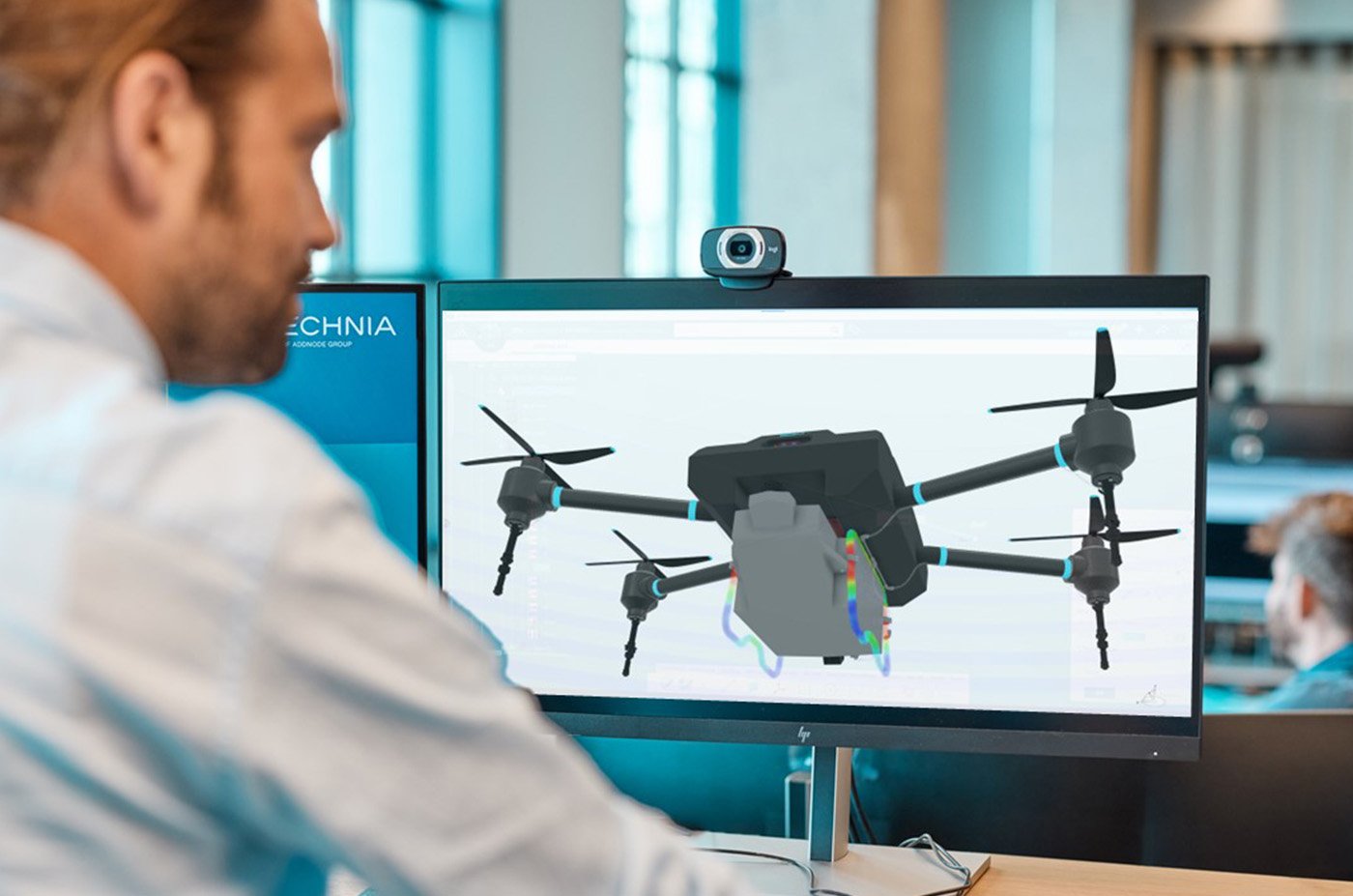
Are you ready to talk?

Abaqus Unified FEA

The best suite of non-linear Finite Element Analysis (FEA) and Computational Fluid Dynamics (CFD) solvers.

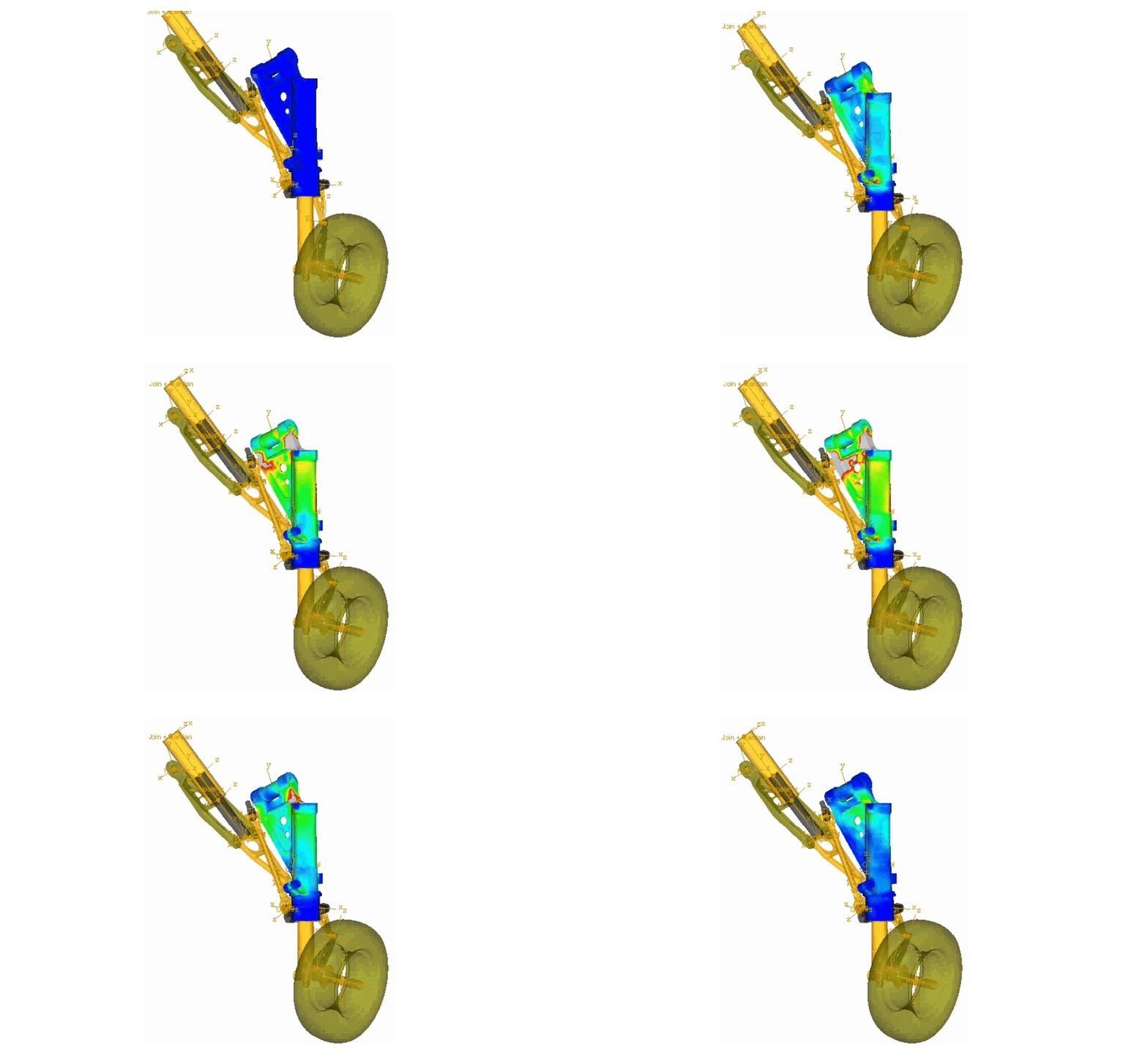
abaqus-aerospace-3

Speak to an expert

Our dedicated team at TECHNIA is here to support you every step of the way. We'll ensure that you choose the Abaqus software price and package size thats perfect for you. Whether you need a quote, more information, or training, we are here to help.

What is Dassault Abaqus Software?

The Abaqus Unified FEA product suite offers powerful and complete solutions for both routine and sophisticated engineering problems covering a vast spectrum of industrial applications. 3DS Abaqus offers a powerful platform for simulating real-world physical processes, enabling users to predict how products will perform, reducing the need for physical prototypes and accelerating the development process. 


Use cases

Most popular use cases for the Abaqus program

Developed by Dassault, SIMULIA Abaqus is used to simulate real solutions in the aerospace, automotive and industrial equipment industries. 

Abaqus allows teams in these industries to test variations of their technology in a completely safe virtual environment. For example in Automotive design, engineers can deliver comprehensive multi-phyiscs simulations across vehicle systems optimising crash safety, structural integrity, NVH performance and durability
Technia image
Features

What can you do with Abaqus FEA?

An Abaqus license offers powerful and complete solutions for both routine and sophisticated engineering problems covering a vast spectrum of industrial applications.

FEA

Abaqus provides a comprehensive range of tools for structural, thermal, acoustic, nonlinear, and contact analysis, as well as coupled physics and complex materials modeling. It’s suitable for both static and dynamic analysis. 

Monosnap Abaqus FEA (Finite Element Analysis) Software | TECHNIA 2025-06-24 11-18-41
Multiphysics simulation

Abaqus has a wide range of multiphysics capabilities, such as coupled acoustic-structural, piezoelectric, and geotechnical simulations. These features make it attractive for production-level simulations where multiple fields need to be coupled. 

Pre- and post-processing

Abaqus/CAE supports native geometry creation, meshing, load and boundary condition definition, analysis step setup, and results visualization, making it a complete environment for pre-processing, post-processing, and monitoring any Abaqus simulation.


Standard and explicit solvers

Abaqus offers two solver types: Abaqus/Standard and Abaqus/Explicit. Abaqus/Standard is an implicit finite element solver, while Abaqus/Explicit is a dynamic explicit analysis package. The choice between these solvers depends on the type of problems

Monosnap Abaqus FEA (Finite Element Analysis) Software | TECHNIA 2025-06-24 11-18-51-1
Material modeling

Abaqus features an extensive range of material models, including elastic, hyperelastic, ductile, and brittle options, which can be further enhanced with custom user subroutines. Designed to address non-linear physical behavior, it is well-suited for a wide variety of applications.


Blue Tools-Design-Services--Streamline-Sharp
Modeling

Abaqus/CAE allows you to create, edit, monitor, diagnose, and visualize complex simulations using both parametric and traditional modeling techniques. It offers robust meshing tools supporting a variety of element types and algorithms, along with geometry creation, import and editing, advanced assembly tools, and a wide range of material models for diverse engineering applications.


Integration

Integrate with CAD environments such as CATIA and SOLIDWORKS using associate interfaces to synchronise CAD and FEA workflows defined within Abaqus/CAE. Also includes comprehensive visualisation options for interpreting and communicating the results of analyses.

catia-configurator-banner_new

Why Use Abaqus ?

Abaqus FEA software offers several benefits for analysts.

 
Versatile solver options
Abaqus provides multiple solver types, including: 👉Implicit solver (Abaqus/Standard) – for static, quasi-static, and low-speed dynamic problems 👉 Explicit solver (Abaqus/Explicit) – for high-speed dynamics, impact, and crash simulations. 👉Coupled solvers for mixed problems (e.g. thermal-structural, fluid-structure interaction)
Advanced non-linear analysis
Abaqus excels in solving nonlinear problems, which are critical for real-world engineering problems. This includes: 👉Material nonlinearity (e.g. plasticity, hyperelasticity, creep, viscoelasticity, damage, fracture)👉Geometric nonlinearity (e.g. large deformations, buckling) 👉Contact nonlinearity (e.g. general contact, self-contact, friction, adhesion)
High accuracy for material modeling
Abaqus provides a wide range of material models suited for various industries, including:👉Metals with plasticity and damage. 👉Composites and fiber-reinforced materials. 👉Rubbers and elastomers with hyperelastic models. 👉Biological tissues (e.g. muscles, bones) 👉Concrete with cracking and crushing models
Robust contact and interaction capabilities
Abaqus has powerful contact algorithms, including:👉General contact algorithms for automatic handling multiple interacting bodies.👉Self-contact for applications like metal forming and rubber seals. 👉Friction for applications like metal forming, sheet rolling, tire traction👉 Adhesion for applications like packaging materials
Dynamic and impact simulations
Abaqus can handle high-speed events and transient dynamics, making it useful for:👉Crashworthiness analysis in automotive design👉Projectile and balistics impacts in defense and aerospace industries👉Blast & explosions in defense and aerospace industries👉Earthquake simulation for civil engineering and offshore structures 👉The explicit solver can be used in combination with the implicit solver to handle static events (e.g. prestressing) before the dynamic event. 
Multiphysics and coupled simulation
Abaqus allows users to perform multiphysics simulations, where multiple physical phenomena interact, such as 👉Structural-thermal coupling👉Fluid-structure interaction👉Electromagnetic-structural👉Coupling structural-acoustic simulation👉Coupled Eulerian-Lagrangian simulation👉Structural-pore pressure simulation👉In addition, Abaqus can be used for co-simulations with other SIMULIA products using the co-simulation engine.
Customization and scripting
Abaqus provides a Python-based scripting interface, allowing: 👉Pre-processing automation (geometric modeling, mesh generation, material assignment, loads, and boundary conditions, etc.)👉Post-processing and data extraction automation (generate custom plots, animations, and reports)👉Integration with external tools and optimization frameworks
User subroutines
Abaqus/Standard and Abaqus/Explicit solvers’ functionality can be extended further with user-defined subroutines written in Fortran or C++. Among many subroutines, user can extend and add the following capabilities:👉Custom material models with UMAT/VUMAT👉Custom loading and boundary conditions with DLOAD, UDISP and UTEMP👉Load external data via UEXTERNALDB
HPC (High Performance Computing Support)
Abaqus supports parallel computing via MPI protocol and threads, as well as GPU acceleration. Multiple benchmarks highlight Abaqus’ extraordinary capability to parallelise across multiple HPC nodes and CPUs, working equally well for chipsets from different vendors like Intel or AMD.👉Abaqus also supports cloud deployment using Azure and AWS.
Abaqus courses
We offer an Abaqus online course to help you become familiar with the tool's capabilities. Learn from qualified, certified, and experienced engineers whose in-depth knowledge of Abaqus comes from practical, daily use. Fill out the form, and we can help you find a suitable date and time
Pricing

Abaqus flexible licencing

A flexible token-based licencing system for concurrent users and speeding up simulations by running on multiple cores

Buy or Lease
Purchase Abaqus outright, or choose a yearly or quarterly lease, and add tokens during the contract to fulfil your simulation needs.

Flexible scalability
Use tokens to run on additional cores. If you are in need of extra simulation power, just order additional tokens.

Pricing model
The Abaqus pricing model is not based on functionality but on using X number of CPU & GPU cores and the concurrent number of users.

Considering Abaqus?

Our Dassault SIMULIA Abaqus team are on-hand to provide tailored guidance and support with a deep knowledge of Abaqus. Reach out to talk to an expert today.